

This Knowledge Base article explains how to convert Android phone HEIC picture files into Canvas compatible JPEG files in a few easy steps. HEIC is a type of file format that phones typically use. HEIC files are hard for teaching staff to view so we request that you change the settings on your phone to export image files as JPEG.
How to change your image files from HEIC to JPEG files
- Click Settings button.

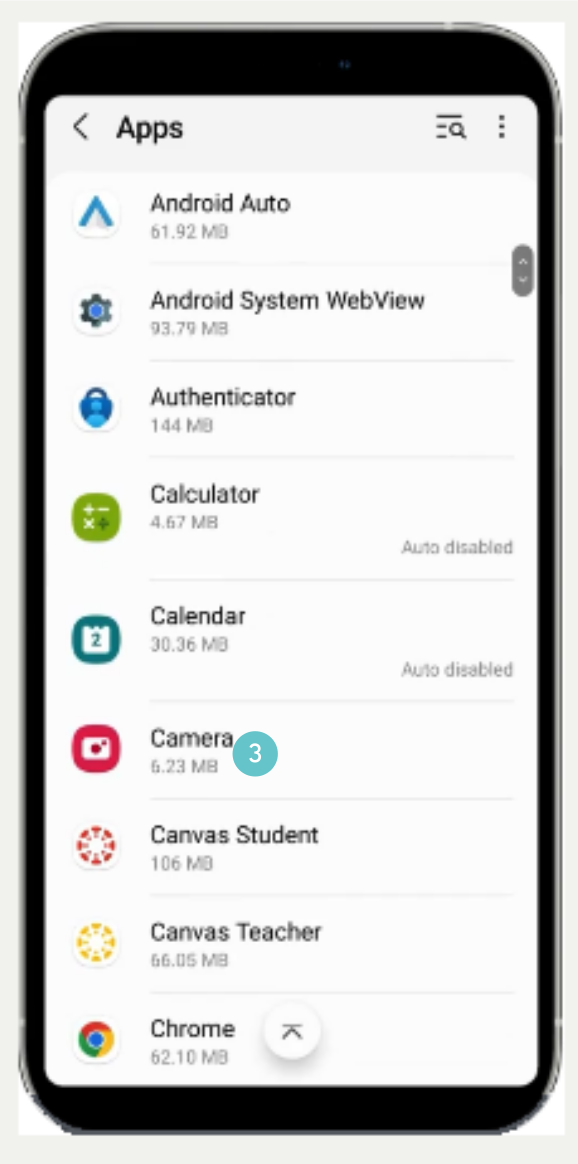
- In Settings, scroll down to Apps.

- Scroll down to and click Camera,
- In Camera Settings, Click Picture Formats.

- Then turn off High efficiency pictures.
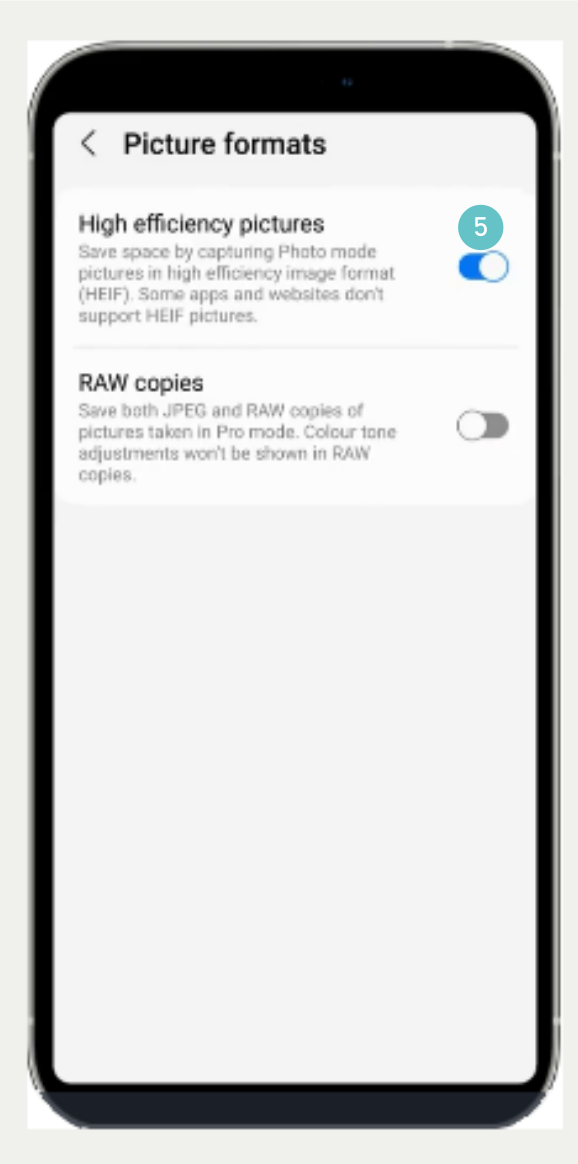
- Turn on RAW copies.
