
This tool helps you quickly turn content into interactive practise. It supports revision, catch-up, and extension. It also works well for blended and online learning in Aotearoa.
- Open Microsoft Learning Activities in Microsoft 365
- Click New activity
- Choose an activity type, select one of the following:
- Flash cards
- Fill in the blanks
- Matching terms and definitions

- Add your content
You can:
- Paste notes
- Upload a Word or PDF file

- Click Generate: The AI will scan your content and pull out key ideas to create activities

Review and edit
Check everything carefully:
- Edit questions
- Adjust difficulty
- Add or remove content
- Simplify or expand content to suit your students
- Click Save once you are happy with the content
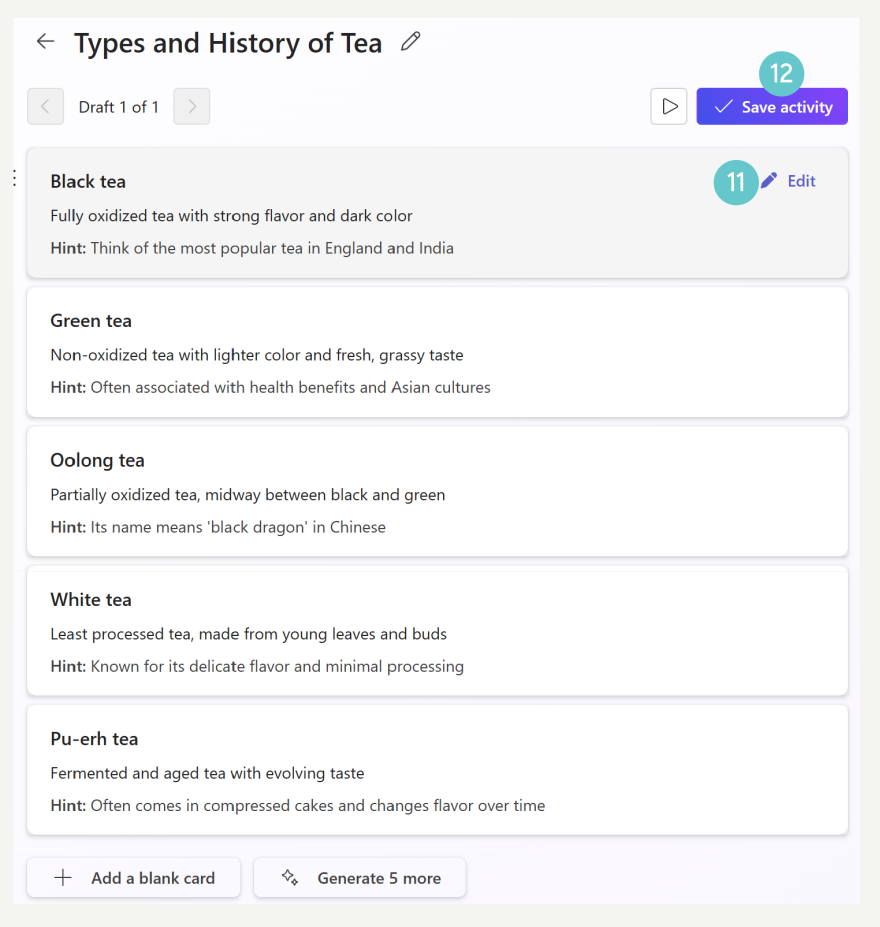
- Click the play button to preview your activity.
- Click Share to get a link or join code
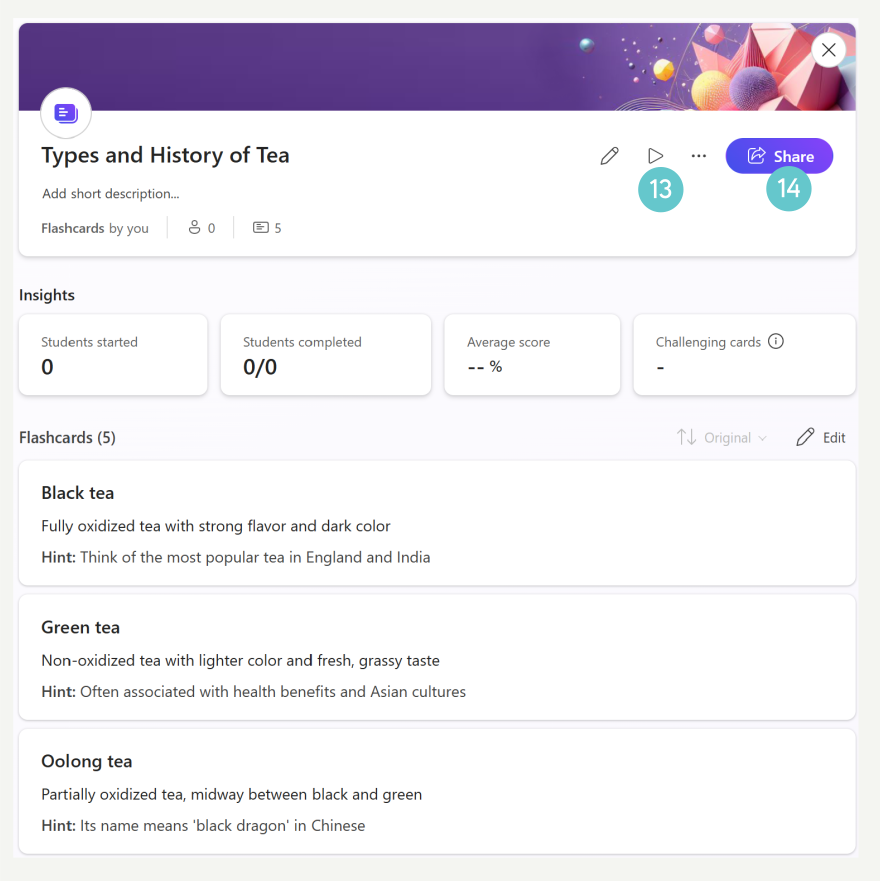
You can share it through:
- Microsoft Teams
- A direct link
- A hyperlink in your Canvas course
What is the Benefit?
Students can access the activity anytime. This helps them revisit material outside of class, and use it for revision, catch-up, or extension.
Smaller activity-based tasks make learning feel more manageable than large blocks of text. This supports different learning needs and works well in both online and blended learning environments.