• Skip to main content
  • Skip to after header navigation
  • Skip to site footer
Knowledge Base

Knowledge Base

Practical help for digital teaching

Resources

  • Knowledge Base
  • Kick Start
  • Free Resources
  • AI in Education
  • Log In

6 March 2023

Everything Skills Articles

*Screenshots may differ to what you see, depending on whether you have a PC or Mac.

Creating Hyperlinks Within Emails 

Learn how to create hyper links in your emails.

From time to time, it may become necessary to include hyperlinks in your emails, there are a few different ways to insert a hyperlink into your Outlook email message, so that your recipient can simply click on the link and open in their default browser. These may be through text links in the body of your message or as a clickable image that is part of your current email signature.  

Start by selecting or highlighting the ‘image’ or text you want to link, and then: 

  1. Select the text or image that will act as your button. 
  1. Go to the Hyperlink button. 
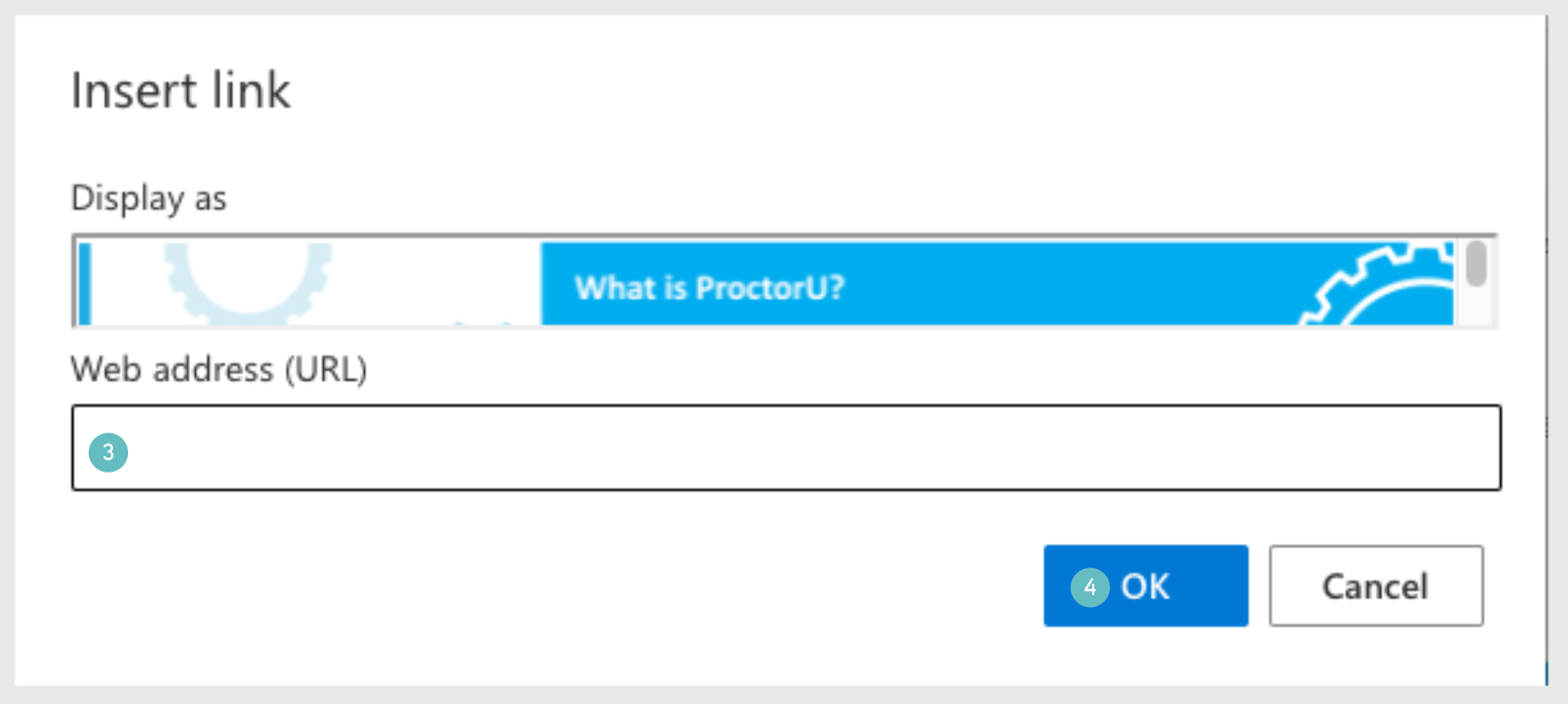
  1. This will bring up the Insert Hyperlink window, where you can enter your desired URL in the Address field. 
  2. Click okay 

That is all there is to it. 

Sidebar

Knowledge Articles

Resource Categories

Signup to Mildly Interesting

Stay updated on the latest developments from our Academic Partners team, as well as insights from our Quality Team on updates and policies shaping the educational landscape. Don't miss out—sign up today to stay informed!

* indicates required
/* real people should not fill this in and expect good things - do not remove this or risk form bot signups */


Need More Help?

Copyright © 2026 · Manukau Institute of Technology · Crafted by Responsive

Your cart (items: 0)

Products in cart

Product Details Total
Subtotal $0
View my cart
Go to checkout

Your cart is currently empty!

Start shopping

Notifications