
Looking to spotlight key content in your course? The Feature Header Page template is the perfect way to create bold, visual pages that help students focus on important material. This page design includes a striking banner image and flexible layout options—great for module overviews, feature articles, or any high-impact course page.
The Feature Header Page template includes several ready-made styles, including Māori and Pacifica design options, so you can tailor your course to reflect your learners’ identities. The large image header grabs attention right away, while the content area below supports clean, structured text and media. This makes it ideal for introducing new modules, showcasing feature readings, setting the scene for a project, or even highlighting learner achievements.
Because this template follows the MIT Canvas Standards (MCS), it’s fully compatible with other Fleximode resources. The layout is easy to adapt, and the design principles are already in place—so you can simply swap in your content and hit publish. It’s designed for readability, with space for visual elements and built-in styling to support clear learning pathways.
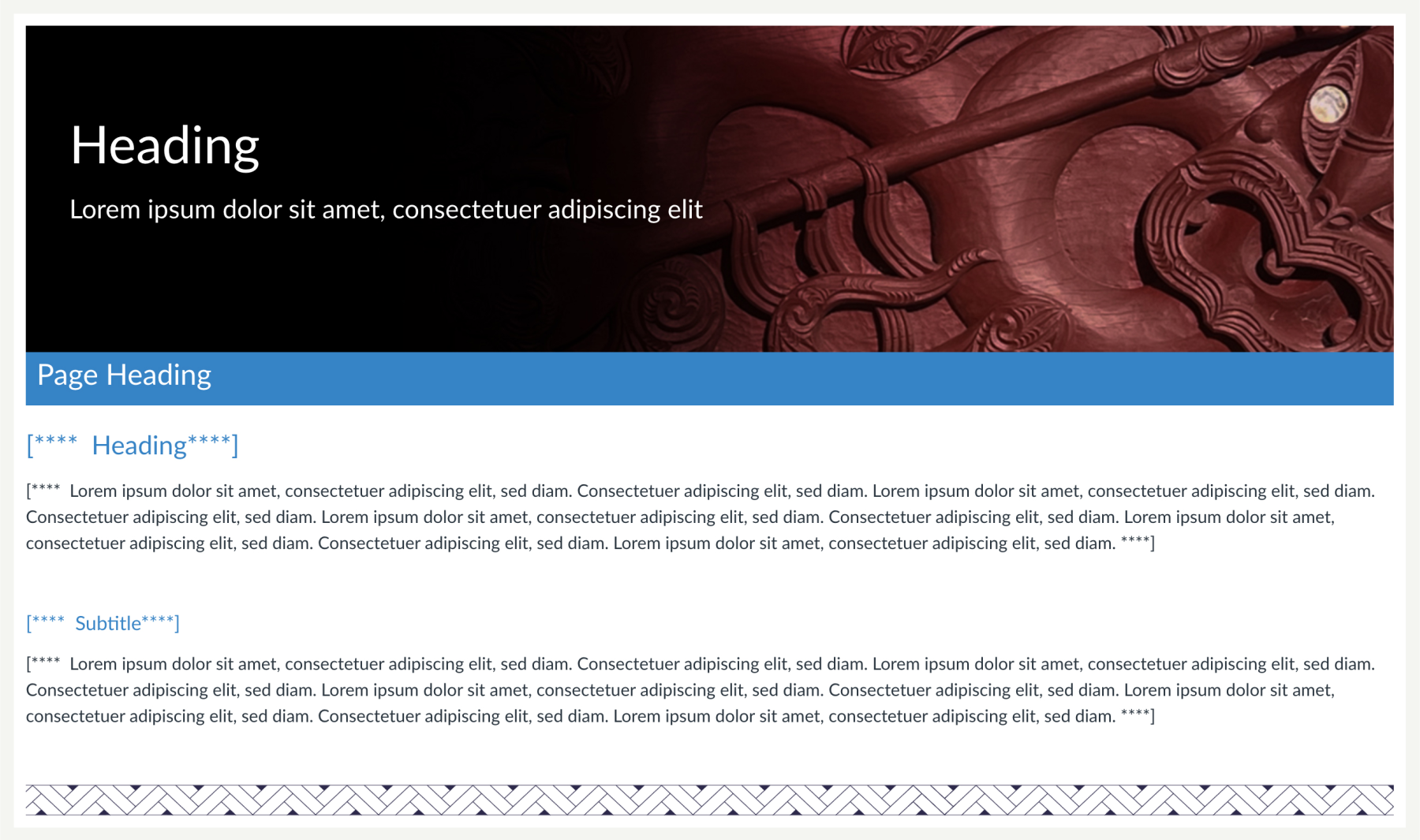
Here are a few ideas for using the Feature Header Page in your course:
- Use it as a welcome page at the start of each module.
- Highlight major assignments or project briefs.
- Showcase guest speaker content or external links.
- Frame a case study or scenario-based learning activity.
- Feature student success stories or gallery pages.
You can find this template directly in Canvas Commons. Just search for Feature Header Page and look out for the Fleximode Duck.