

Canvas Commons is a resource repository that enables Canvas users to search, import, and share resources such as Canvas pages, quizzes, assignments, discussions, documents, videos, images, etc. There are a lot of free useful resources you can import into your Canvas course.
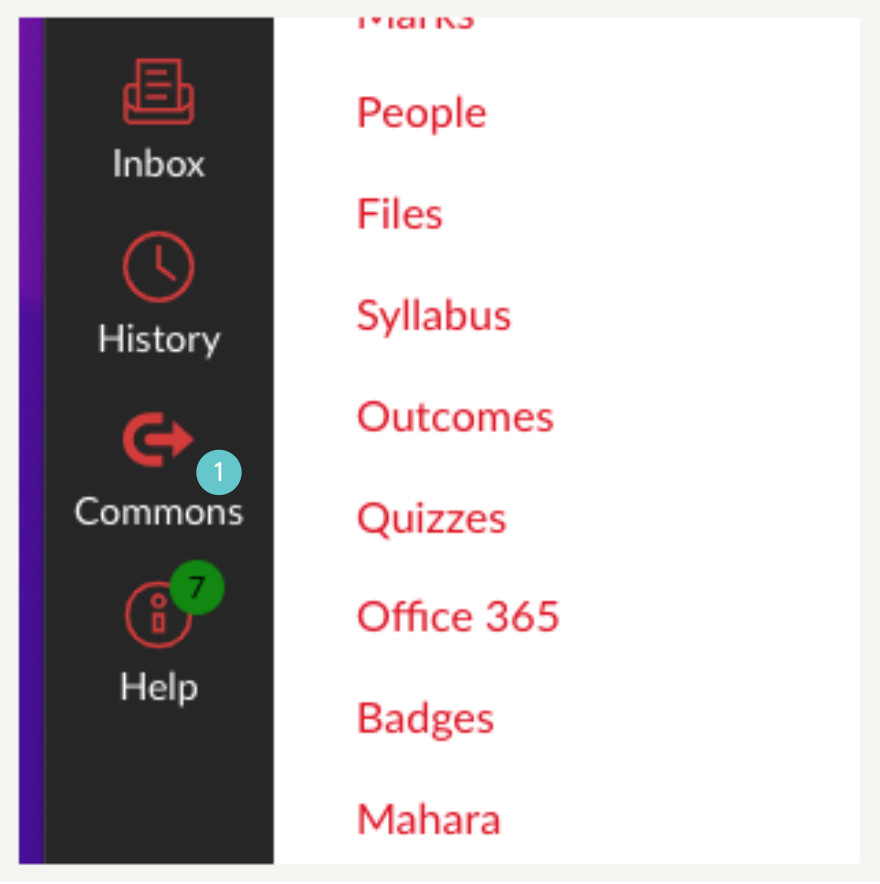
- Click on Commons from the Canvas global menu at the left-hand side of the page.
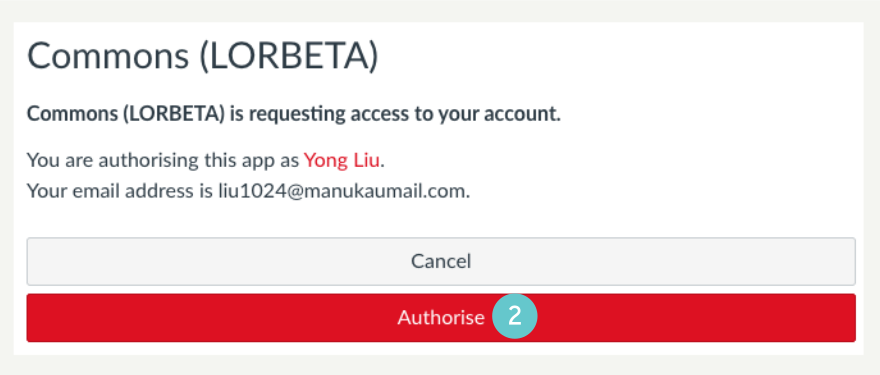
- A popup window will appear requesting access to your account, click Authorise. Otherwise, skip this step.
- On the Commons site, search for the resource you want. For example, “Third Party Tools”.
- Find the preferred one, click on the title to open.

- Click on the Import/Download button at the right-hand side of the page.

- On the import window, search for the destination course you want the resource to be imported to.
- Tick the checkbox beside the correct course.
- Click Import into Course.

A message will appear on the main page showing that the import has begun.

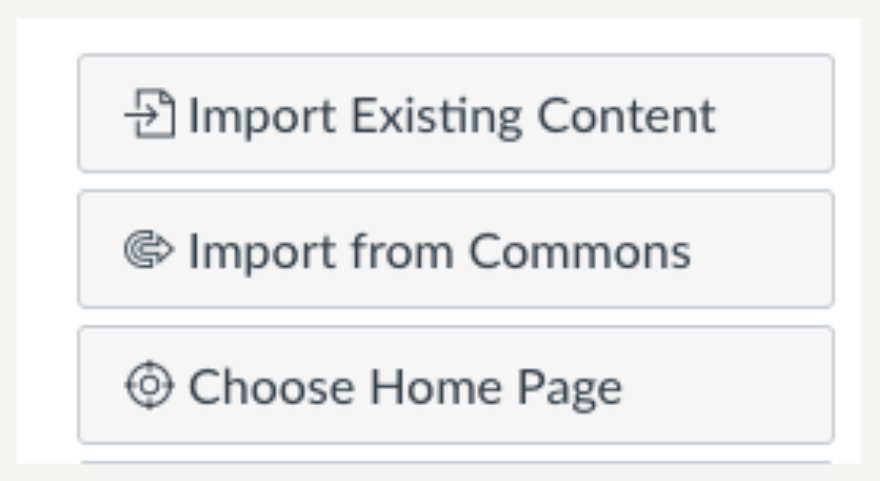
To check the import process status, go to your destination course, click on Import Existing Content at the right-hand side of the Home page.
If the imported item is a page, it will be located on the pages list. Follow the steps below to locate it.
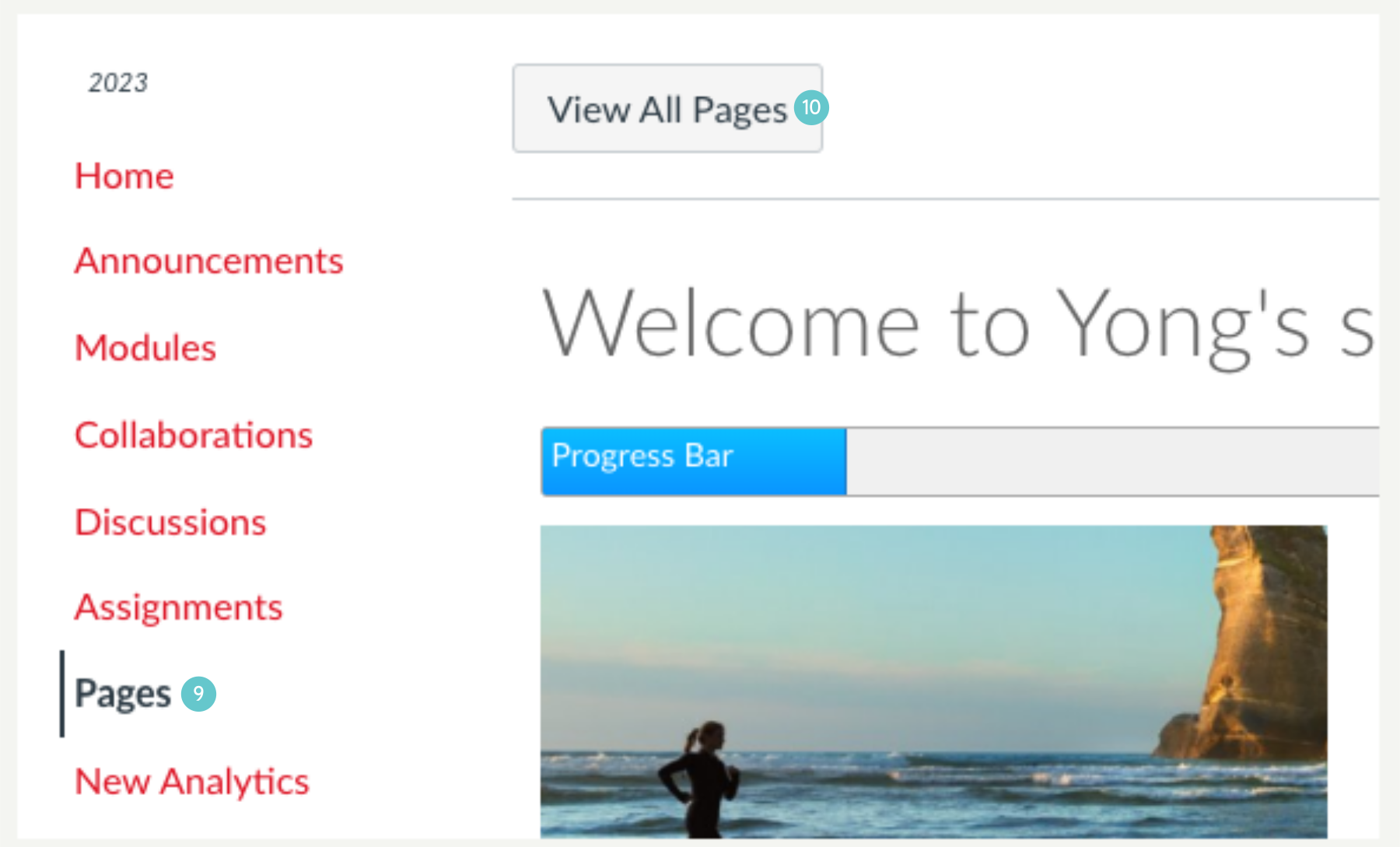
- Click on Pages from the course navigation menu.
- Click on View All pages.
The imported page keeps its original publication status unless you change it.
- Click on the page name to open.

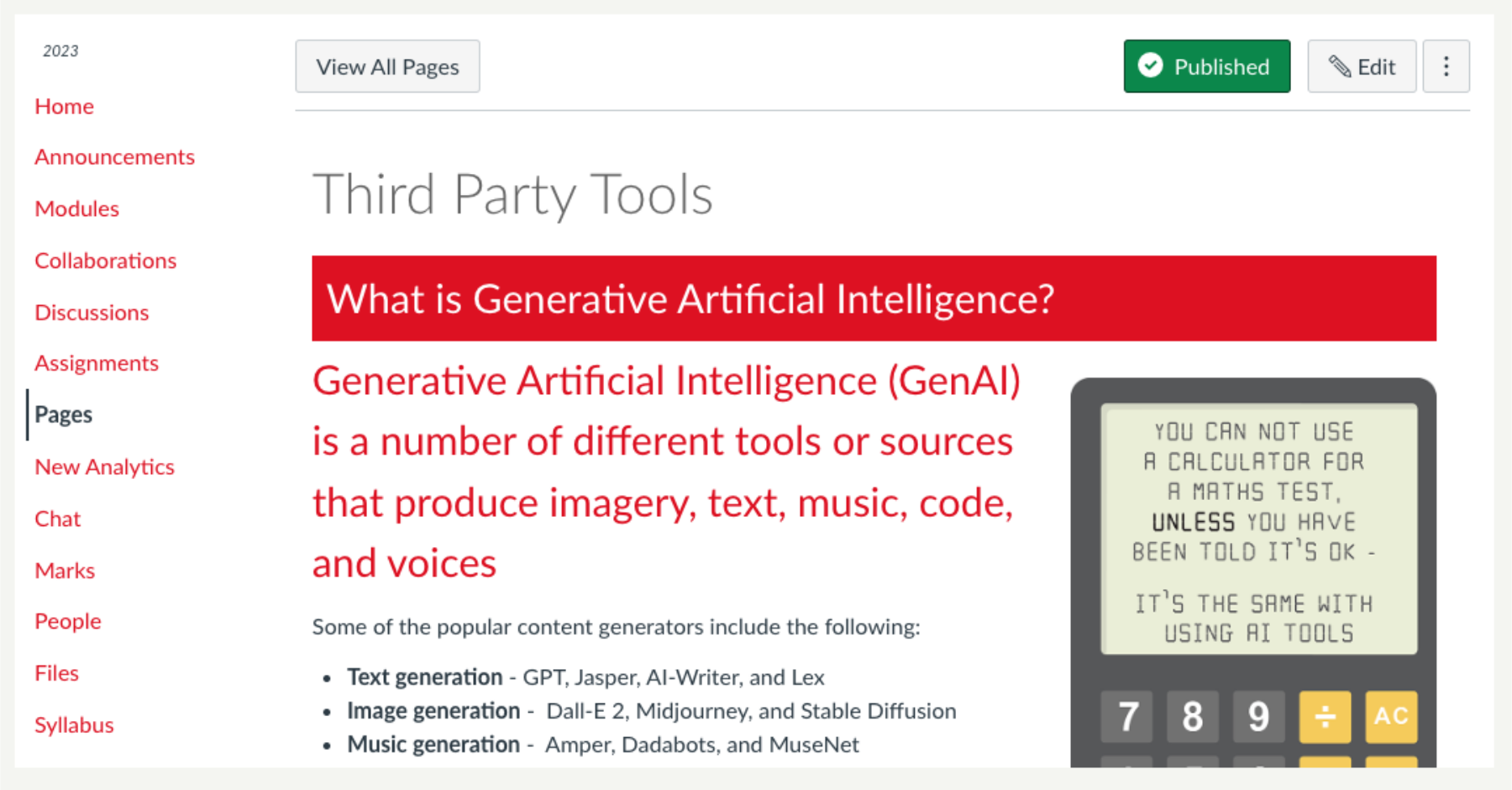
The page content should look like the one below.
You can also import, modules, quizzes, assignments, discussions, pages, documents, videos, images, or audio files using the same steps.