

You can move or reorder assignment groups after you’ve created them. You can manually drag and drop the assignment group, or you can use the Move To option, which is also accessible for keyboard users. You can also move or reorder individual assignments.
- In Course Navigation, click the Assignments link.

Drag & Drop Assignment Group
You can use the drag and drop option to reorder assignment groups.
- Click the drag handle next to the assignment group name. Drop the assignment group in the desired location by releasing the mouse.

Move an Assignment Group
You can also use the Move Group option to reorder an assignment group.
- Click the Options icon
- Select the Move Group link

Assignment Group Location
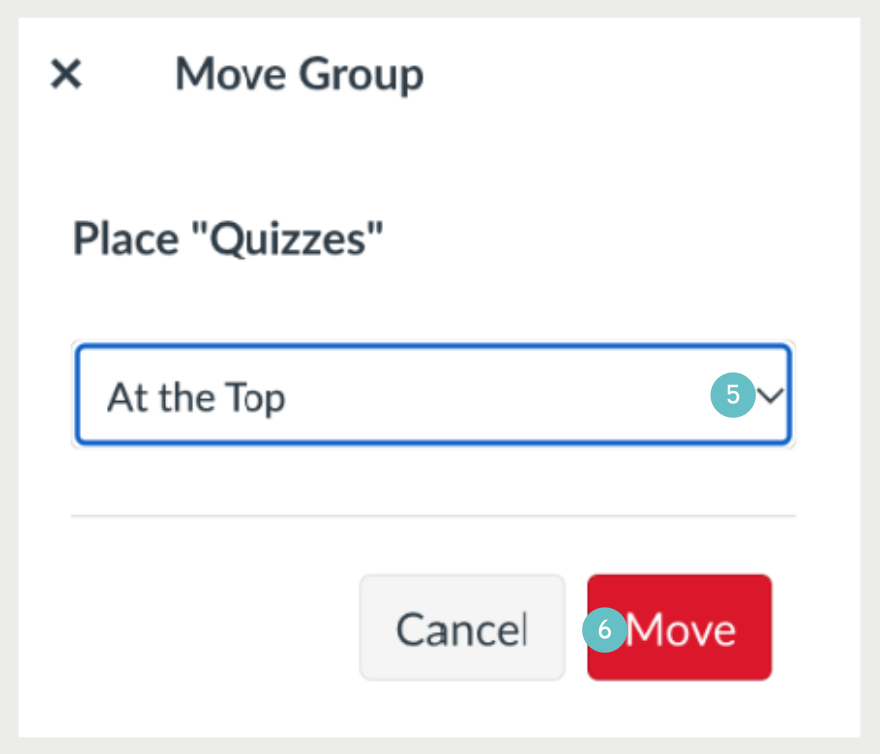
- In the Move Assignment Group sidebar, click the Place drop-down menu.
- You can move the group so it is located at the top of the page, before a specific group, after a specific group, or at the bottom of the page.
- Click the Move button.
Place Before or After
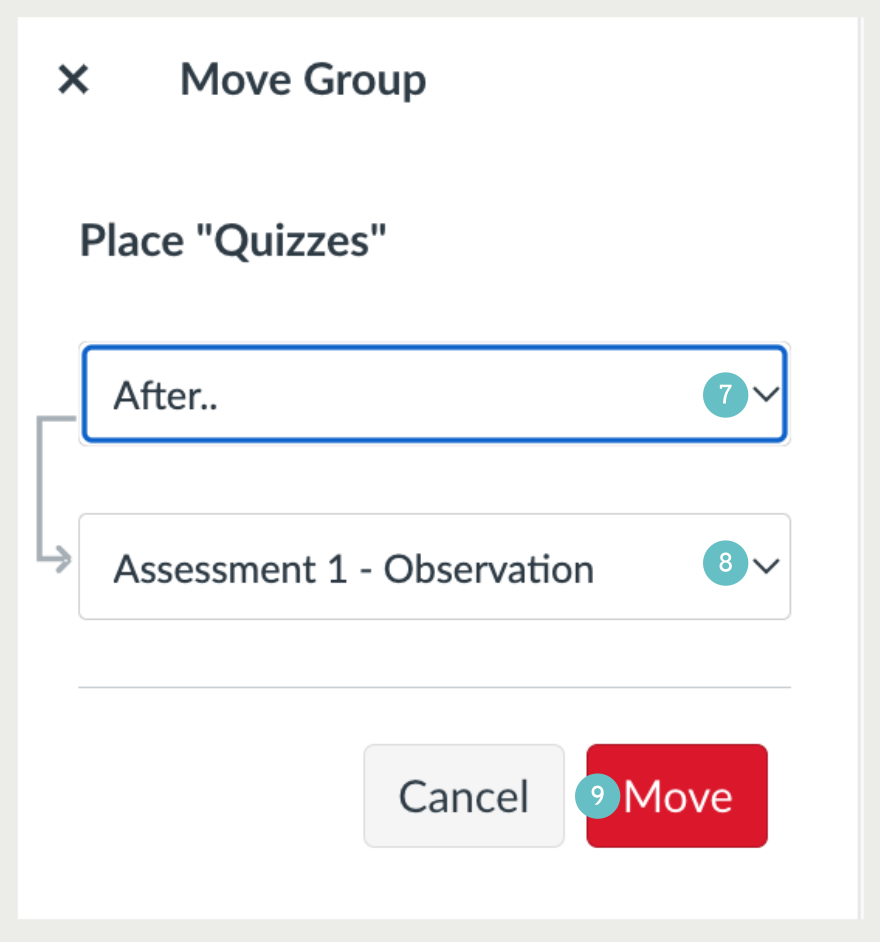
If you selected the Before or After option:
- click the second drop-down menu
- Select the assignment group that should be before or after the assignment group you are moving, as indicated by the option selected in the previous menu.
- Click the move button.
If you want to move the assignment group to another location, change the sidebar placement options as needed.