
Canvas has several built-in tools that can help students share ideas, work together and learn from each other. Here are a few simple ways to add more collaboration to your course.
Discussions
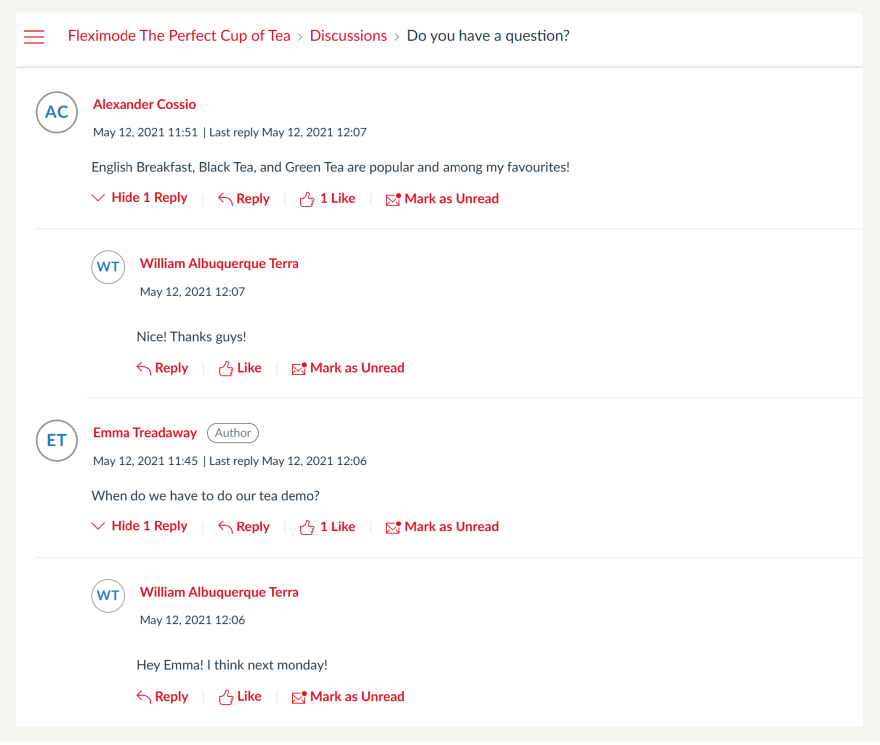
Discussions give students a space to contribute ideas and respond to each other. They work well for sharing examples, discussing a scenario, reflecting on an activity or asking students to compare approaches.
Try it: Add a Discussion to a module and give students one clear question or task to respond to.
Groups
Canvas Groups create smaller spaces where students can work together. Each group gets its own area with tools for discussions, announcements, files and collaborative work.
Try it: Create a Group Set, then divide your class into smaller groups for a project, activity or ongoing discussion.
Collaborations
Collaborations let students work together on a shared document without leaving Canvas. They can contribute ideas, plan a project or develop content as a group.
Try it: Create a Collaboration and assign students to the document so everyone can contribute in the same place.
Peer review
Peer review gives students an opportunity to look at each other’s work and provide feedback. You can add peer reviews to a Canvas Assignment and choose whether Canvas assigns reviewers automatically.
Try it: Add a simple feedback guide so students know what to look for when reviewing a classmate’s work.

Start small
Collaboration does not need to mean a large group project. Try one shared discussion, short peer review or group activity. A small change can give students more opportunities to contribute and learn from each other.