
The new 2026 MCS Template, also known as MCS Pick n Mix, is a ready-to-use base Canvas course designed to save you time when building your course in Canvas.
You start with a clean layout and can add pre-designed content from Canvas Commons that fits your programme, teaching style, and learner needs – this is where the Pick n Mix name comes from.
- Clean and simple – A fresh design with no unnecessary extras.
- Customisable – Adjust the layout and content to suit your course.
- Flexible – Combine pages and features from Canvas Commons to create exactly what you need.
- Consistent branding – Every page aligns with MIT’s Canvas brand style and tone.
- User-friendly – Students benefit from consistent design, reduced cognitive load, and easy navigation.
How to use the MCS Template
Start by importing the MCS Pick n Mix Template into your Canvas course. Then, explore Canvas Commons to find extra pages, modules, or design elements that match your needs.
All available pages have been designed to work seamlessly with the template’s layout and colour scheme. This ensures your course looks professional and cohesive, even as you add new components.
You might want to:
- Add a Using Teams page to guide students on how to use Microsoft Teams.
- Include a Weekly Overview page to outline key activities and expectations.
- Insert Resources pages from Canvas Commons to keep everything easy to find and consistent.
Each element integrates smoothly with the MCS Template design, maintaining a consistent look and feel across your course.
Click here to see how to use Canvas Commons.
Need something unique for your school or programme?
The Fleximode Team can help design or adapt pages that match your specific requirements. Whether you want a custom homepage, a new layout, or additional design features, the team can guide you through the process.
To request support, contact the Fleximode Team and explain what you need. They’ll ensure your content fits within the MCS Template’s structure and keeps your course aligned with institutional branding.
Keep an eye out for updates
We regularly add new pages and resources. Check Mildly Interesting, the Knowledge Base, or search Canvas Commons for the latest updates and new designs.
If you need help customising your template or adding something specific, reach out to the Fleximode Team for support.
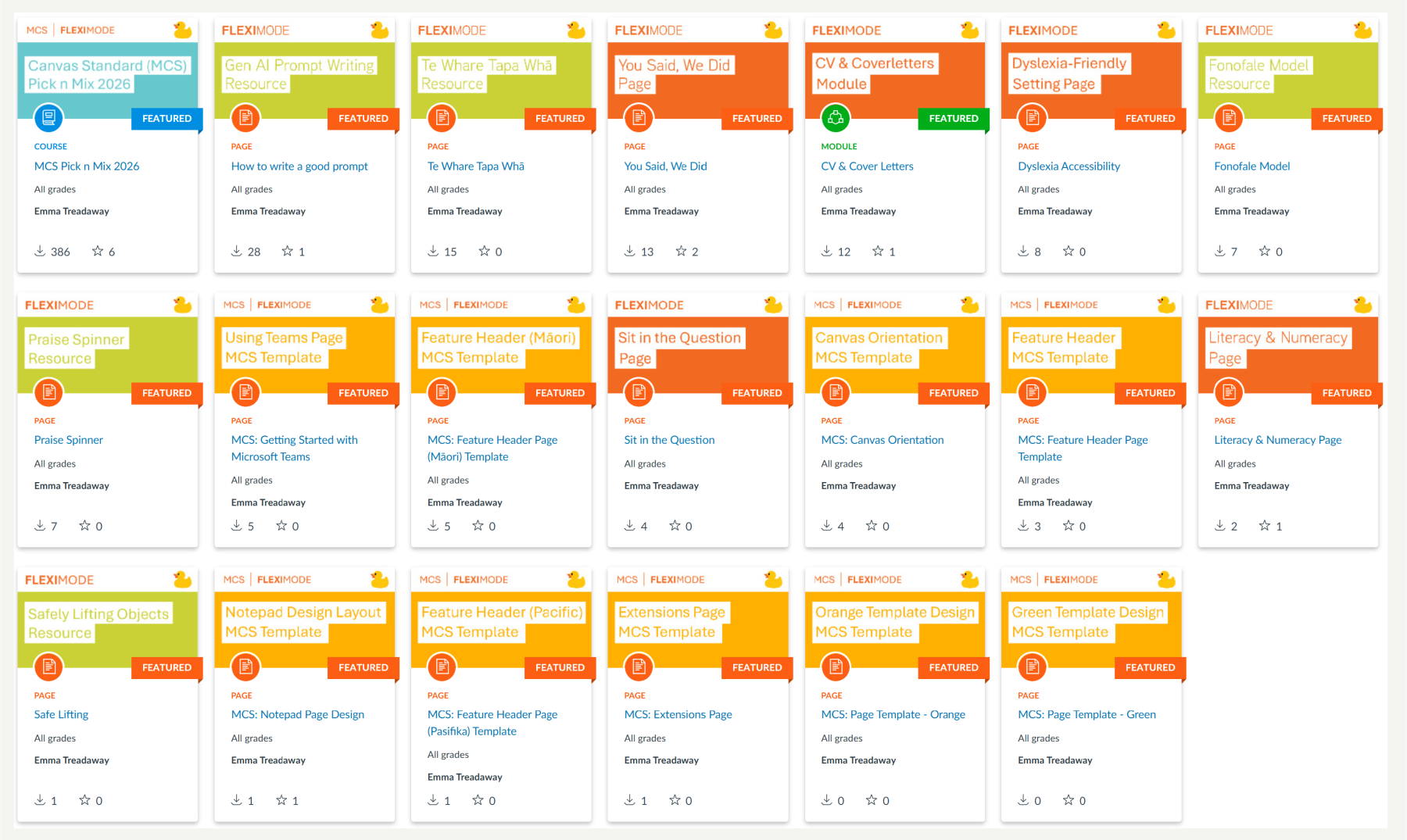
You can find this template directly in Canvas Commons. Just search for MIT Canvas Standard Template and look out for the Fleximode Duck and aqua title block (aqua for course or module).