A Knowledge Base article on how to organise your dashboard on Canvas.
How you can organize your Canvas dashboard – give your courses a nickname, change the colour, rearrange the course cards and pick and choose the courses you want to display on the dashboard.
Renaming a course
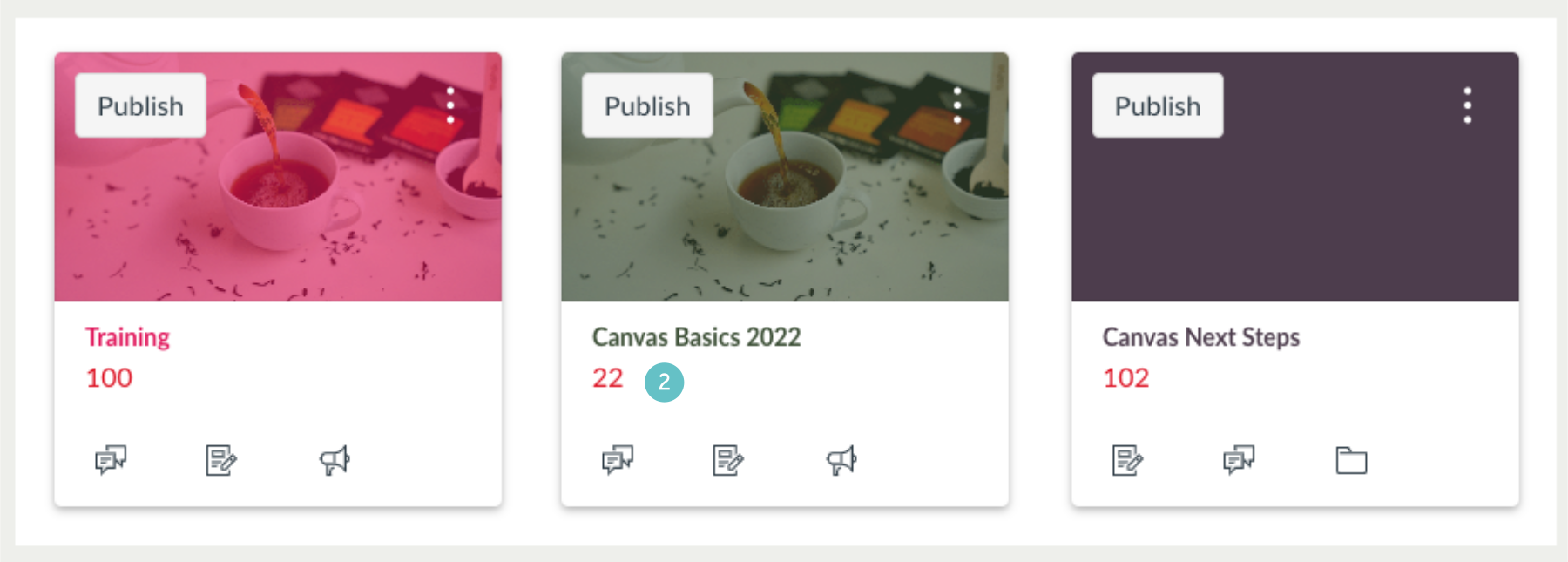
Let’s start by renaming or nicknaming a course. We will first navigate to the ‘Tile’ we wish to rename or nickname.
- In this case a tile called Canvas Basics/Hybrid Course.
- Click on the 3 vertical dots.

- Where it says Nickname type in your new name.
- You can also at this point modify the tile colour as feel, if you choose.
- Click Apply when you are finished.
- The result is seen here.


While you are changing things, you may want to make the image in the tile ‘pop’ a little more, this can be achieved by removing the colour overlay that you may have applied to the tile.
- Go to the 3 dots at the top of the Dashboard.
- Click Colour Overlay.

- The result is the colour overlay is removed leaving just the image.

Rearranging Courses
You are able to rearrange your Tiles as you see fit.
- Simply Click, Hold and Drag as shown in the example images.

- Resulting change in position.
Hiding courses you don’t need to see
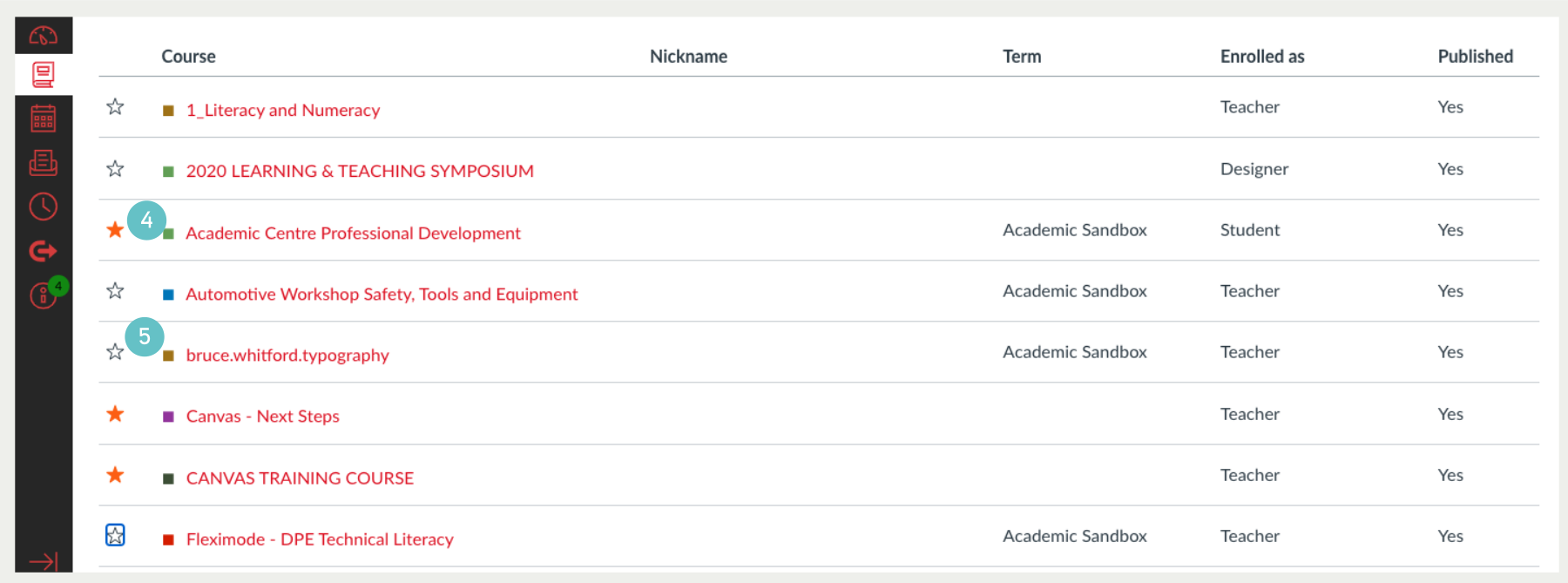
- By clicking on the Courses button in the far left Menu.
- You can access all All Courses.

- Note that the course showing have orange Stars, meaning they are visible Tiles.

- Click on the Orange Stars and they become ‘hollow’ or without their orange fill colour.
- Select only the Stars you wish to be visible Tiles.