

Your canvas designated courses do not have a dedicated “recycle” or “trash” tool where you can recover or restore items that have been deleted. However, there is a function that can be used to restore some items that have been deleted, whether intentional or accidental.
This function to restore deleted items is not a perfect repository of information deleted on your Canvas site. You may not be able to find every item (i.e. Quiz, Announcement, Assignment, Discussion, File, etc.) here to restore.
How it’s done
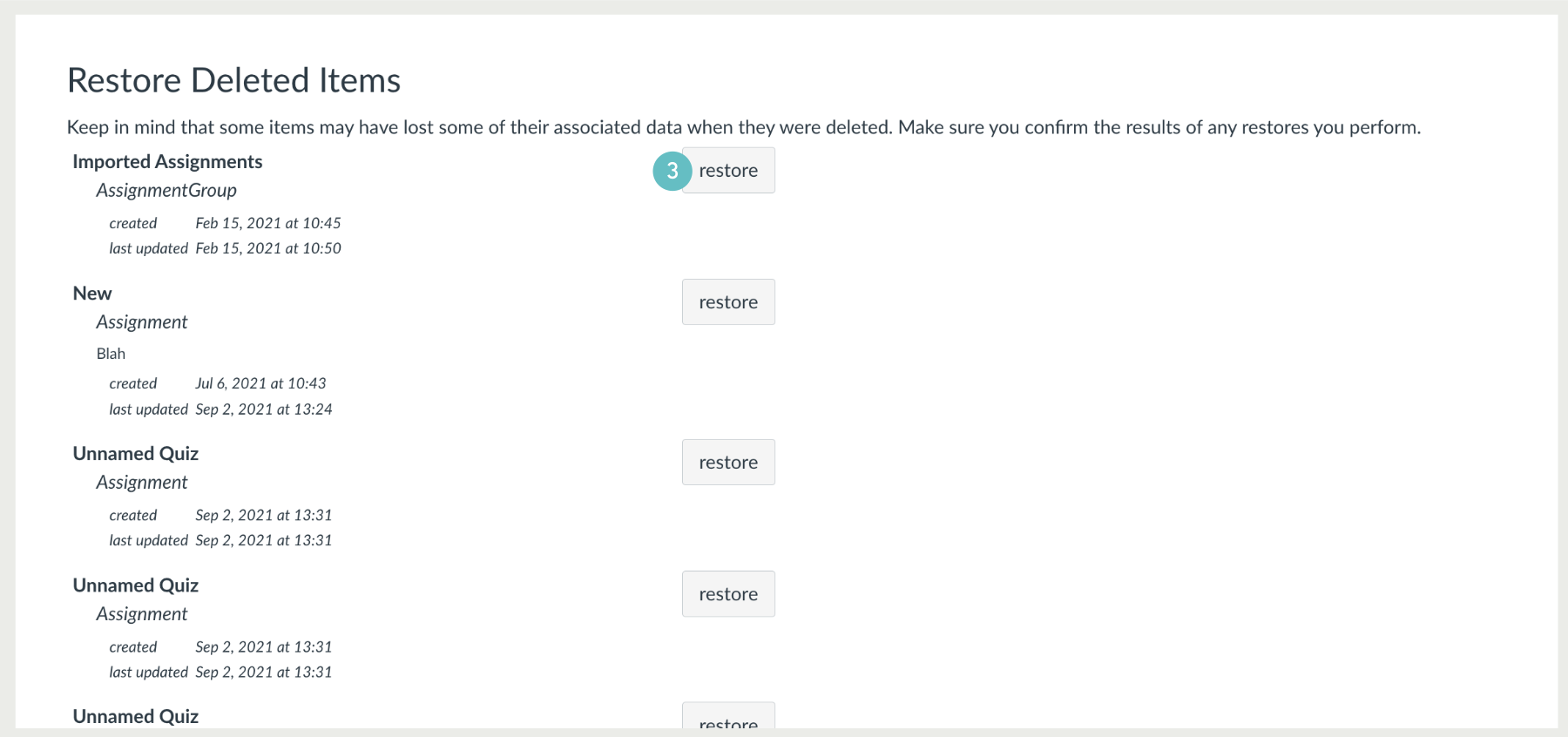
Every course site in Canvas has a unique URL. By adding the phrase “/undelete” at the end of the URL in your address bar, you will be brought to a list of recently deleted items which can be restored.
- Choose the course you want to restore content too.
- Course URL: https://canvas.manukau.ac.nz/courses/46958
- Add /undelete to the end of the URL.
- Restore URL: https://canvas.manukau.ac.nz/courses/46958/undelete
- Find the content you wish to restore Click restore.
Hints and Tips
- There are limitations to this function;
- Not all deleted items can be brought back.
- Keep in mind that some items may lose their associated data when they were deleted.
- Make sure to confirm the results of any restores you perform.