

An introduction on the Canvas assignment submission, via a message to students based on assignment submission/marking status
Often you may need to send a message to a specific group of students about their assignment submission or marking status or due date changes, etc. Canvas has provided a quick and easy way to let you do this from its Gradebook page. Here are the steps:
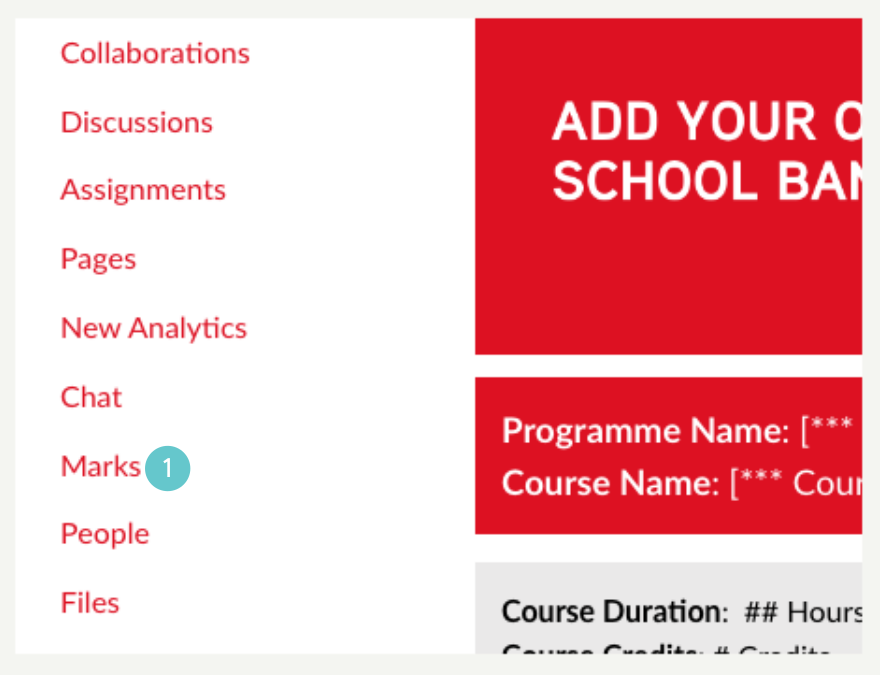
- Click on Marks from the navigation list.
- Click the three dots beside the assignment you want to talk about.
- Then click on Message Students Who.

- On the Compose Message page, click on the Have submitted dropdown menu.
- Click on the relevant criteria to send the message.

For example, if you click on (For students who) Have not yet submitted,
- You have the option to exclude students who have already been excused for this submission.
- You can also exclude individual students of this group by clicking Show all recipients.
- Next, fill in the Subject and the message content.
- Click on Send to post the message.
