

This Canvas Knowledge Base page explains what Canvas is, and how you can use it to engage your students.
Canvas is a web-based learning management system (LMS).
Basic Canvas Features
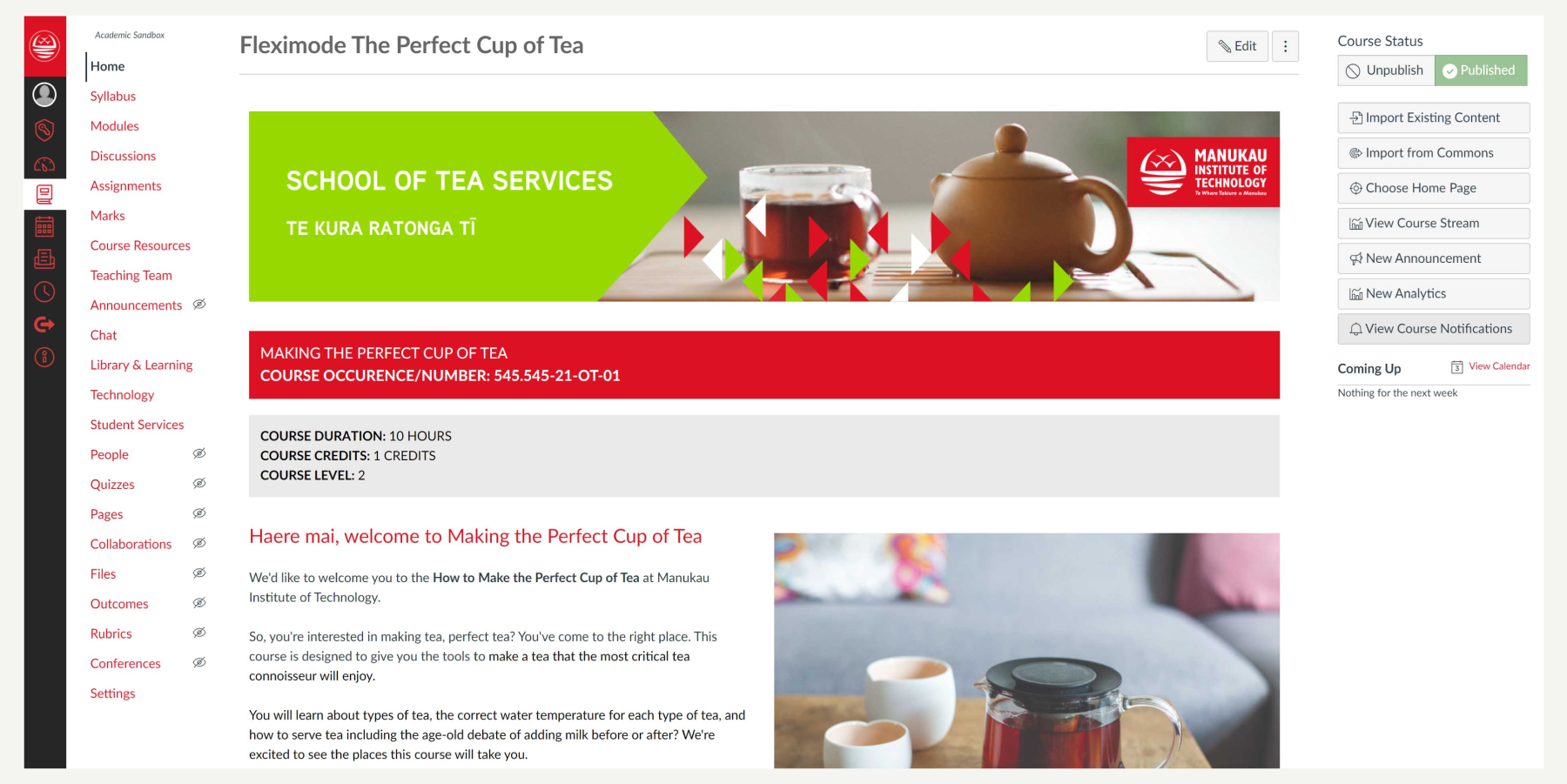
Canvas includes a variety of built-in course tools that can be customised to create unique learning and teaching experiences.
You can create and share course content using Assignments, Discussions, Modules, Quizzes, and Pages. They may also create a collaborative learning experience using Collaborations, Conferences, and Groups. Students can access their learning materials and interact with other course users.
You can add learning outcomes to rubrics in order to measure and track student skill development and learning achievement.
You can upload pre existing LMS course packages and/or course materials.
You can provide students with comprehensive feedback on assignment and quiz submissions using SpeedGrader and manage grade reporting in the Canvas Gradebook. You can also facilitate real-time course interactions using Chat and communicate course news and updates with students using Announcements as well as the Calendar and Syllabus.
How to Use Canvas
The easiest way for you to use Canvas is to use the MIT Canvas Standards template. This is a template that has been created so that you and your students can use Canvas easily.
Hints and Tips
- Use the MIT Canvas Standards template
- Use this Knowledge Base to help you choose and use features and functions of Canvas
- Get your Home page set up first