

How to avoid student submitted work not showing in SpeedGrader but shows in Turnitin assignments inbox.
You may experience an issue where a students’ work does not show in SpeedGrader, though it appears in the Turnitin assignment inbox.
This is usually due to students leaving the assignment submission portal open for too long before submitting their assessment, causing it to time out.
See the screenshot below:
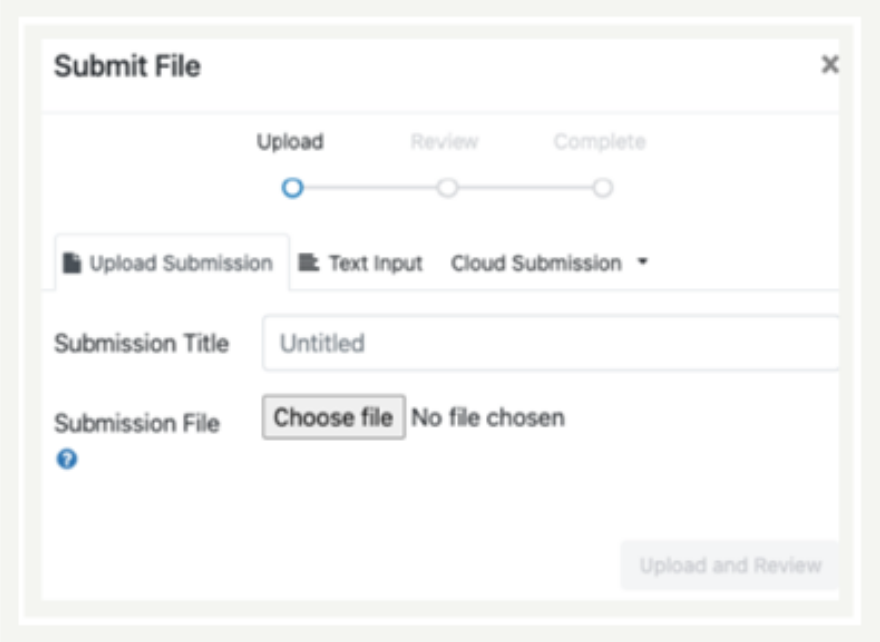
This causes SpeedGrader to time out and results in it displaying “This student does not have a submission for this assignment”.

The Canvas Gradebook will also appear as “No submission” on the relevant assignment and does not contribute to their “Total” score.
Solution:
- Warn your students of this issue beforehand and advise them not to open the Turnitin submission portal until they are ready to submit their assignment. Otherwise, Canvas will lose their submitted work.
Do not mark or comment on a blank submission on SpeedGrader which would cause problems for future moderation.
Where to go next?
3 Adding Comments in SpeedGrader
4 Adding to the Comments Library
5 Marking a Group Assignment in SpeedGrader
6 How do I get the Marks Box to Auto Populate in SpeedGrader?