

What SpeedGrader in Canvas is, and how it can be used.
SpeedGrader is an essential feature in Canvas that lets you quickly and efficiently mark student assessments. It will reduce your workload by saving you a lot of time and energy with your marking.
Key Features of SpeedGrader:
- View and mark student work directly through Canvas without having to download, open and close any files.
- View submissions for the whole class, displayed student by student, including any resubmitted assignments.
- Increase your efficiency by marking student work question by question.
- Use Canvas rubrics for consistent grading.
- Get a summary of your marking progress and see assessment statistics.
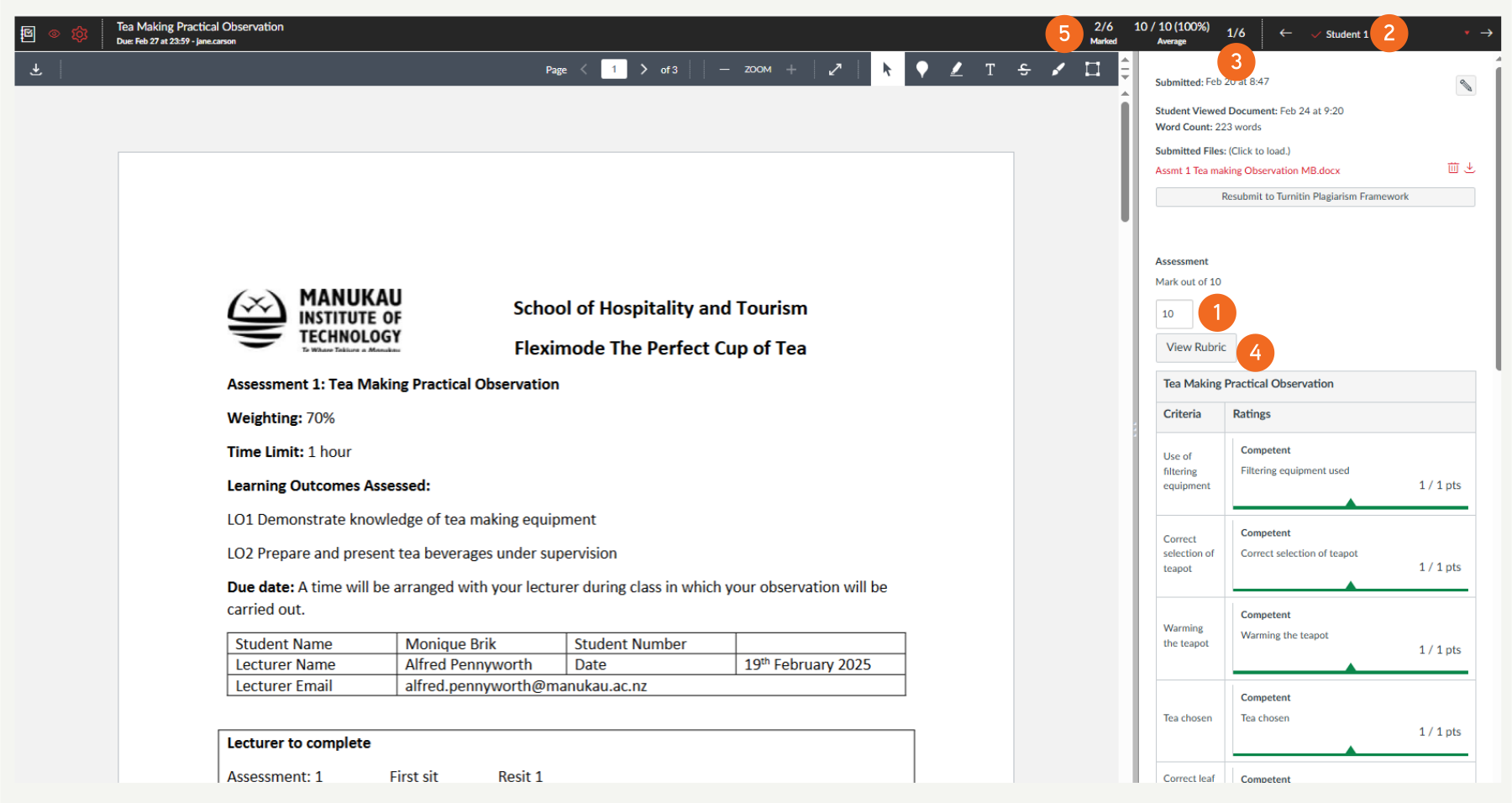
- Provide direct feedback to students using comments and/or notes on their work.
- Leave voice or video comments on students’ work creating a far more personal learning experience.

- Easily mark group work.
- Easily go back and adjust marks for students.
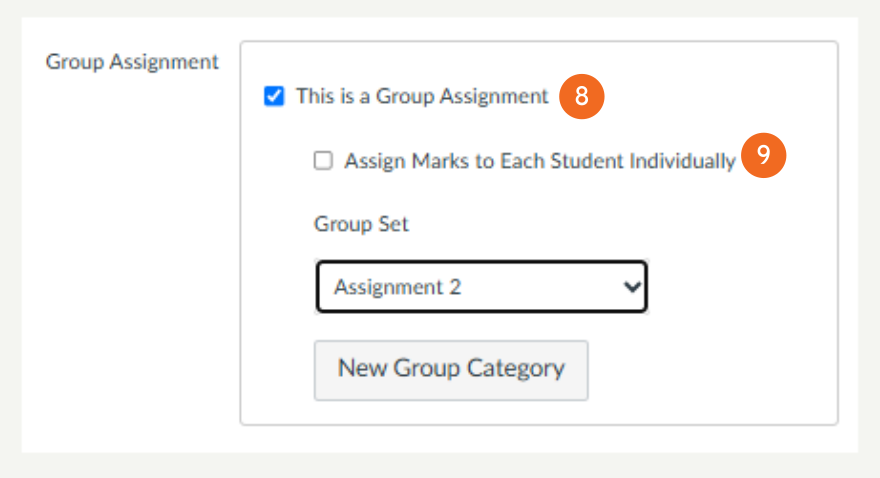
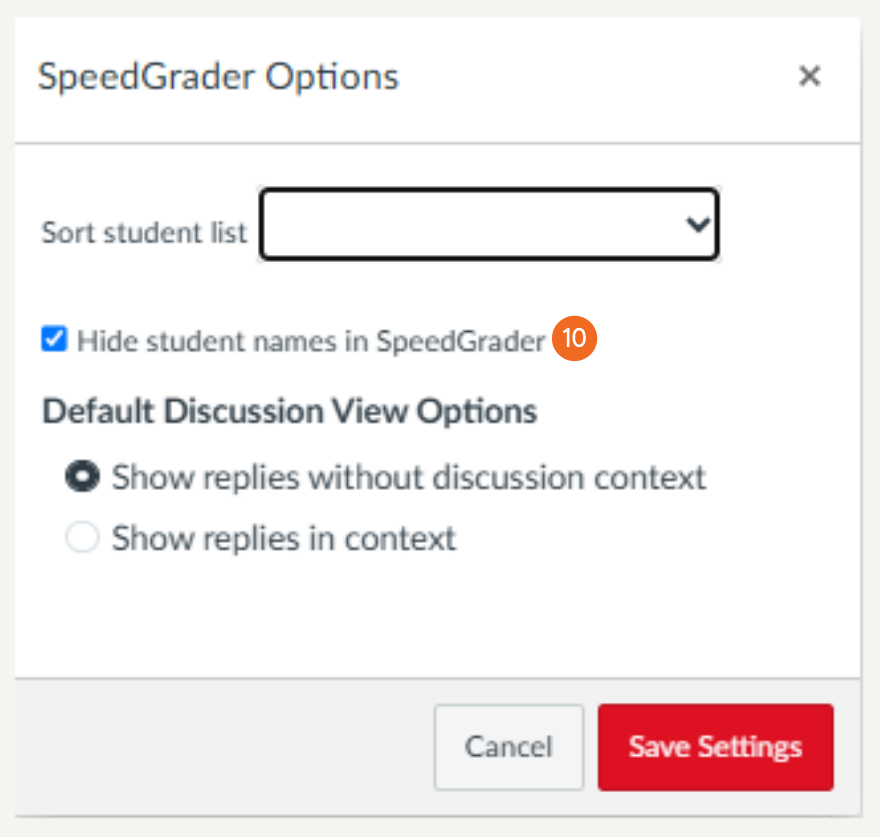
- Mark students work anonymously by hiding student names.
Exemplar Rubric:

Where to go next?
3 Adding Comments in SpeedGrader
4 Adding to the Comments Library
5 Marking a Group Assignment in SpeedGrader
6 How do I get the Marks Box to Auto Populate in SpeedGrader?